AI that makes social media posts from your own photos
Can AI design posts from your real business photos? The difference from AI-generated images, Meta's AI labels, what to check and how tools compare.
By James Olawale · · 7 min read
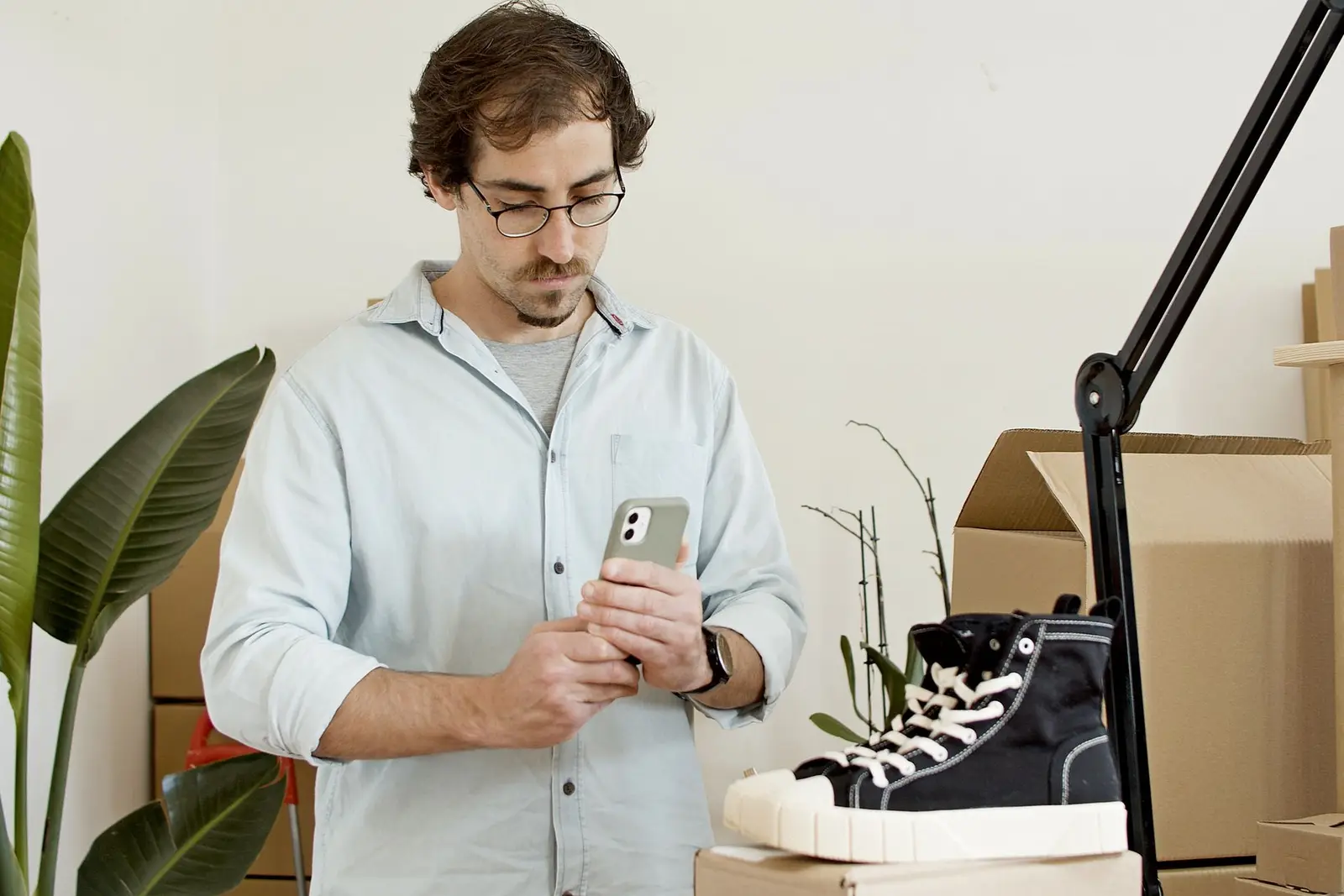
Yes. Some AI tools can design social media posts around your own product and business photos instead of using stock images or generating new pictures from scratch. The difference matters: an AI image generator invents a scene, while a design tool takes your real photo and builds the layout, text and branding around it. For a local business, the second is usually the safer choice, because customers expect to see the actual food, room, product or team they'll get. Below is how the two approaches differ, why real photos matter, how to take usable ones, what to check before posting, and how the main kinds of tools compare.
A disclosure up front: we make Scala, one of the tools in this category. We've tried to describe other tools fairly and only from their own pages.
AI-generated images vs AI that designs around your photos
These get lumped together, but they do different jobs.
| AI-generated image | AI design around your photo | |
|---|---|---|
| Where the picture comes from | Created by a model from a text prompt | Your own photo of your product, space or team |
| What AI does | Invents the whole scene | Layout, cropping, text, colors, logo placement |
| Risk of showing something you don't sell | High, unless you check carefully | Low, if the photo is real and current |
| Good for | Abstract backgrounds, illustrations, mood graphics | Products, dishes, before/afters, offers, team posts |
| Customer expectation | "This is an illustration" | "This is what I'll get" |
There's also a gray area in between: AI editing of a real photo, such as removing a background, extending the frame, relighting or retouching. Light edits are normal. The line to watch is whether the edit changes what the customer would actually receive. Brighter light on a cake is fine. A bigger slice, extra toppings or a cleaner kitchen than the one you have is not.
Why real photos matter for a local business
Trust is the product
When someone picks a bakery, salon, gym or contractor from Instagram, the photos are the evidence. A stock photo of a smiling stylist or a generated plate of pasta tells them nothing about you, and people are getting good at spotting both. Your own photos, even imperfect ones, show the real thing. That's what earns the visit.
Platforms may label AI images
Meta's help page on how to identify AI content on its products says content with signals indicating it was created with AI will be labeled "AI info." Content its systems detect as only modified with AI doesn't show the label on the post itself, but viewers can see the information through the post's menu. Meta also says it may require people to label photorealistic video or realistic-sounding audio, and that this requirement doesn't apply to images. It also notes that not all AI content contains the signals needed to identify it.
In practice: if you post a fully AI-generated image, there's a fair chance followers will see a label. That's not a penalty, but for a business whose pitch is "come see the real thing," it can undercut the message.
Ads have to be truthful, pictures included
If you boost a post or run it as an ad, the FTC's advertising guide for small businesses says advertising must be truthful and non-deceptive, and that the FTC looks at the whole ad in context, including the pictures, to judge what it tells people. A generated image of a dish you don't serve, a result you can't deliver or a space that doesn't look like yours can mislead customers, whether or not anyone meant it to.
The same goes for reviews. The FTC's final rule on fake reviews and testimonials specifically covers reviews by people who don't exist, such as AI-generated fake reviews. Don't let an AI tool invent customer quotes for your posts.
How to take phone photos AI can actually use
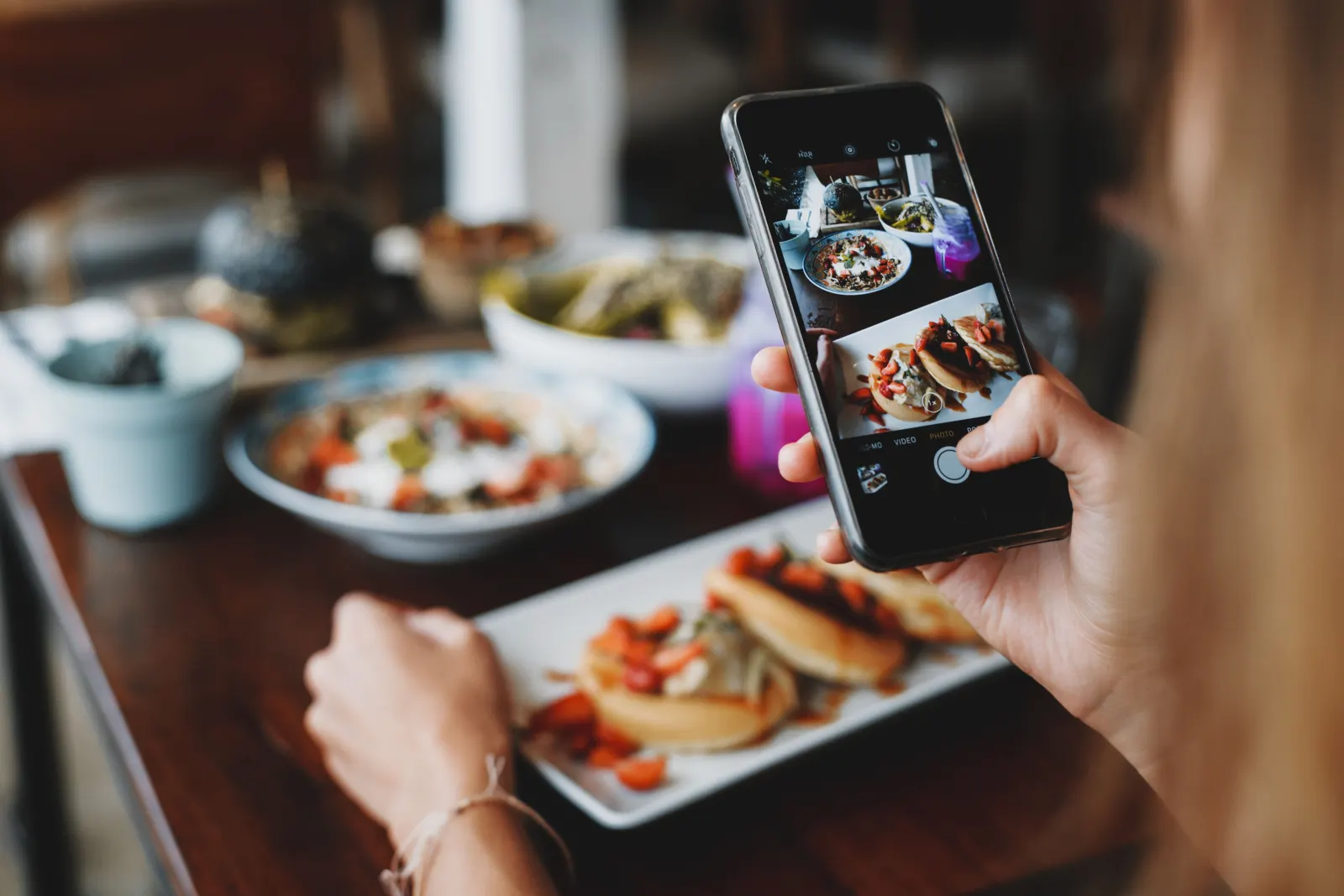
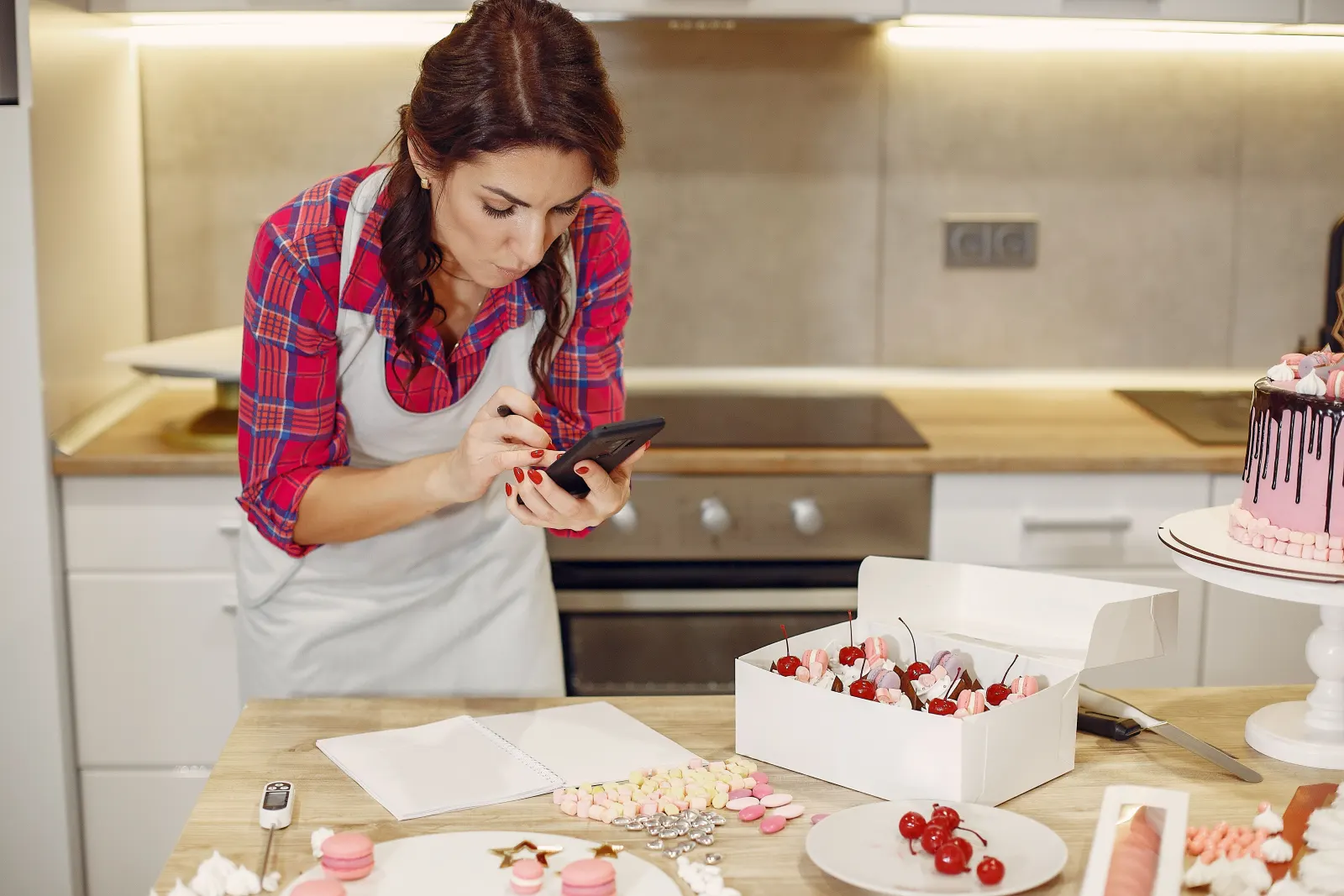
A design tool can crop, frame and add text, but it can't fix a blurry, dark photo. A few habits make most phone photos usable:
- Shoot near a window. Soft daylight from the side beats overhead lights and flash.
- Clean the lens. A fingerprint smudge is the most common reason phone photos look hazy.
- Leave space around the subject. Designs need room for a headline and your logo. Don't crop tight in camera.
- Shoot both vertical and horizontal. Vertical suits Stories and Reels, and gives a design tool room to crop for the feed.
- Take a few angles. Straight on, from above and a close-up of the detail that matters.
- Keep backgrounds tidy. Move boxes, bins and personal items out of frame.
- Photograph the real thing as customers get it. A normal portion, the actual room, the finished job.
Our phone photography tips for small businesses go deeper on light and composition.
What to check before you post
Whatever tool you use, run through this list before a designed post goes out:
| Check | Why it matters |
|---|---|
| Every word is spelled right | AI image models can misspell words inside images. Check prices, dates and your business name. |
| Prices, hours and dates are current | An old offer in a new design is still a promise. |
| The product is accurate | Same size, color, portion and finish as what you sell. |
| People in the photo agreed | Get permission from staff and customers before posting their faces, ideally in writing. |
| No one was added or removed | AI editing can drop or invent people in the background. Compare with the original. |
| Your logo is correct | Check it isn't redrawn, stretched or recolored. |
| No invented results | No before/afters, transformations or claims you can't back up. |
| The caption matches the image | A caption about croissants under a photo of muffins is a common AI mismatch. |
If something fails, use a plain layout with the original photo. A simple, honest post beats a polished wrong one. For the words, our guide to AI social media posts that sound human covers prompts and the edit pass, and how to write Instagram captions covers structure.
How tools differ
There are three broad approaches. Which fits depends on how much time you have and how much you want done for you.
Design apps with templates
Canva is the best-known example. You pick a template, drop in your own photos and edit the text. Canva's help center describes generating designs with AI from a prompt or from media you upload. This gives you the most control, and you do the planning, writing, checking and posting yourself, or pair it with a scheduler.
Good fit if: you like designing, post a few times a week and want full control over every pixel.
Scheduling tools
Schedulers like Buffer post what you give them at the times you choose. Many now include AI writing help: Buffer's page for its AI Assistant describes drafting captions and turning one post into versions for different platforms, and says it's available on a free account. You still bring the designed image.
Good fit if: you already make your own graphics and mainly want posting on a schedule. See our comparison of the best AI tools for small business social media for more options.
Done-for-you AI marketing tools
A newer group of tools plans the posts, designs them from your photos and writes the captions, then asks you to approve. Scala is one of them, and you can see example posts and how designed posts work. The trade-off is less hands-on control in exchange for much less time, so check how each tool handles approval, what it does when it doesn't have a photo, and whether it will ever invent images.
Questions to ask any tool
- Does it use my photos, or stock and generated images?
- Can it make up products, people or results? What stops it?
- Do I approve every post before it goes out?
- What happens when it doesn't have a suitable photo?
- Does it check the text inside the image?
Where Scala fits
Scala plans and designs a week of Instagram and Facebook posts (plus X on the Growth and Scale plans) from your own photos and logo, using an AI design model to build each post around your real picture. Before you see a design, it checks every word, your logo and the people in it, and if a check fails it uses its own clean layout with your photo instead. It never invents products or people, and it asks you for a photo when a post would be better with one. Nothing posts until you approve it. Scala also sends email campaigns to your customer list, makes reels from your own clips on Growth and Scale, and checks your website. It doesn't run ads, take photos for you or reply to messages, and TikTok is still rolling out. Plans are $19, $79 and $249 a month; you can get started here.
Frequently asked questions
Can AI make social media posts from my own photos?
Yes. Some design apps and AI marketing tools let you upload your own product or business photos and build the post layout, text and branding around them, instead of generating a new image or using stock photos.
Will Instagram label my post as AI-generated?
It might. Meta says it labels content with signals showing it was created with AI as "AI info," while content only modified with AI shows that information in the post's menu instead of on the post. Not all AI content carries those signals.
Is it okay to use AI-generated images for a small business?
For backgrounds, illustrations and mood graphics, usually yes. For products, food, rooms, results and people, use real photos. Generated images of things you don't sell can mislead customers and, in ads, may raise truth-in-advertising problems.
What should I check before posting an AI-designed post?
Spelling and prices in the image, that the product looks like what you sell, that everyone pictured agreed and no one was added or removed, that your logo is correct, and that the post makes no claims you can't back up.
Do I need a professional camera?
No. A recent phone, window light, a clean lens and a tidy background are enough for most social media posts, especially when a tool handles the layout.