How to build an email list for a local business
15 in-store and online ways to grow your list, from counter QR codes to booking forms, with consent wording you can copy.
By James Olawale · · 7 min read
The fastest way for a local business to build an email list is to ask the people already in front of you: put a QR code sign-up at the counter, add an opt-in checkbox to receipts, bookings and online orders, offer a small reason to join (a free coffee, first look at new arrivals), and train staff to ask once at checkout. Online, add a short form to your website and a link in your Instagram bio. Always get a clear yes, say what you'll send, and never buy a list.
Below are 15 practical methods, the exact consent wording to use, and how to keep the list healthy once it grows.
Why your list is worth building
Followers on Instagram or Facebook see your posts only when the algorithm decides. Your email list is yours. If you run a slow Tuesday promo, launch a new menu or open holiday bookings, an email reaches the people who already like you, directly.
A list of a few hundred real local customers is worth more than thousands of strangers. Aim for quality: people who live nearby and have bought from you.
Consent done right (read this first)
Every method below follows the same rules:
- Ask clearly. The person has to actively say yes: ticking an empty box, scanning a code and submitting a form, or telling a staff member yes.
- Say what they'll get and how often. "News and offers, about twice a month."
- Never pre-tick boxes or hide sign-up inside terms and conditions.
- Don't add people just because they bought something or gave an email for a receipt, unless they also agreed to marketing.
- Make leaving easy. Every email needs an unsubscribe link and your physical address (US CAN-SPAM basics). See our email marketing guide for small business for the full rules.
- Never buy, rent or scrape lists. People who never asked for your emails mark them as spam, which damages your ability to reach anyone's inbox.
Consent wording you can copy
Join our email list for new menu drops and members-only offers. About twice a month. Unsubscribe anytime.
Yes, send me Crumb & Co. news and offers by email. (You can unsubscribe at any time.)
Get first dibs on new arrivals and private sale nights. 2–4 emails a month, no spam.
In-store methods
1. QR code at the counter
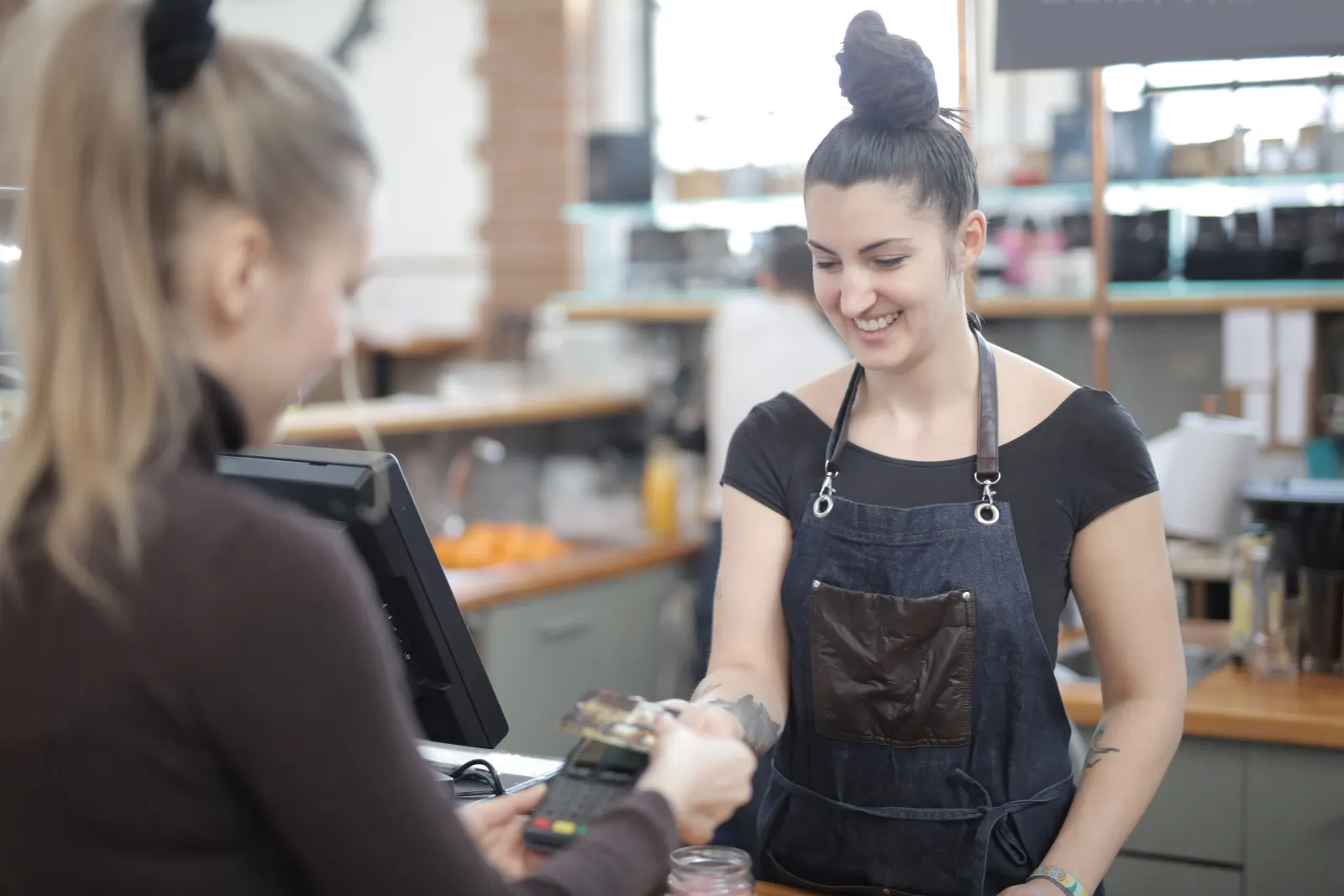
A small stand next to the register: "Scan to join our list. Free coffee with your next pastry." The code goes to a short mobile form (email, first name, optional birthday). Put a second one on tables or in the waiting area.
Tip: test the code on two phones before printing, and keep the form to two or three fields.
2. Ask at checkout (the script)
Train staff to ask once, briefly:
"Want to join our email list? We send new specials and a birthday treat, about twice a month."
If yes, they type the email into your POS or tablet sign-up form while the customer watches. Thank them and move on. No pressure.
3. Digital receipts with an opt-in
Many POS systems offer emailed receipts. Add a separate tick box or question for marketing: "Also send me news and offers?" A receipt email alone isn't permission to market.
4. Guest Wi-Fi sign-in
Cafes and waiting rooms can use a Wi-Fi login page that asks for an email. Keep marketing as a separate, unticked option ("Send me news and offers"), so people can get Wi-Fi without joining. Check your Wi-Fi provider's privacy terms before turning it on.
5. Booking and appointment forms
Salons, clinics, gyms and studios collect emails anyway. Add an unticked checkbox: "Send me openings, offers and reminders by email." Your booking confirmations are not marketing, but the checkbox makes the newsletter permission clear.
6. Loyalty program sign-ups
If you run a punch card or points program, move it to email or phone sign-up. Ask for marketing consent as a separate checkbox.
7. Table cards and bag inserts
Restaurants: a small card with the bill. Shops: a card in each bag. "Get the first look at new arrivals: scan here."
8. Events, classes and tastings
Anyone who signs up for a class or event is already interested. Add the opt-in to the registration form and mention the list at the event.
9. A paper sign-up sheet (yes, still)
For markets, pop-ups and fairs: a clipboard with name, email and a printed line "I agree to receive emails from [business]." Type them in within a day and send a welcome email so people remember signing up.
Online methods
10. Website sign-up form
Put it in two places: the footer of every page, and on the pages people visit most (menu, booking, contact). Keep it to email and first name. Say what they get.
11. Link in your Instagram and Facebook bio
Add your sign-up link to your Instagram bio (or link page) and your Facebook Page's action button or "About" section. Mention it in Stories every few weeks: "Our list gets the holiday menu first. Link in bio."
12. A post or Story with a reason to join
"Our list hears about the pumpkin bread release a day before Instagram does." Give people a real advantage, not just "sign up for our newsletter". Our social media marketing guide covers how to fit this into your posting.
13. Online ordering and checkout
If you take orders online, add an unticked marketing checkbox at checkout. Many online ordering and ecommerce platforms support this.
14. Google Business Profile and website pages
Your Google Business Profile can't host a sign-up form, but your website can. Make sure your profile links to your site, and that the site's sign-up form is easy to find. See our Google Business Profile setup guide.
15. Partner with a neighboring business
Run a joint giveaway or event with a nearby (non-competing) business. Entrants opt in to each business's list separately, with separate checkboxes.
Give people a reason to say yes
A good sign-up offer is small, relevant and easy to redeem:
| Business | Sign-up offer that works |
|---|---|
| Cafe or bakery | Free coffee or pastry with next purchase |
| Restaurant | Free dessert or appetizer on next visit, plus birthday treat |
| Salon or barber | Free add-on (deep conditioning, beard trim) on next booking |
| Gym or studio | A free class or guest pass |
| Boutique | Early access to new arrivals and private sale nights |
| Clinic | A useful guide or reminder service (no discounts needed) |
You don't always need a discount. "First to know" works well for products that sell out.
What to collect (keep it short)
- Email: required
- First name: worth it, so emails can feel personal
- Birthday (month and day only): optional, great for a birthday email
- Location or interest: only if you'll actually use it (for example, which of two locations)
Every extra field lowers sign-ups. Two fields is the sweet spot.
Send a welcome email immediately
People forget signing up within days. Set up an automatic welcome email that:
- Thanks them and says who you are
- Sets expectations: what you send and how often
- Delivers the promised offer
- Has one link (menu, booking, new arrivals)
If you send nothing for a month and then a promotion, many will have forgotten you and hit "spam".
Keep the list healthy
- Email regularly, at least monthly, so people remember you.
- Remove hard bounces (your email tool usually does this automatically).
- Re-engage quiet subscribers once or twice a year, then remove those who never open or click. See our win-back email templates.
- Never re-add someone who unsubscribed.
- Track sign-ups by source (counter QR, website, bookings) so you know which methods work.
A 30-day plan to get your first 100 subscribers
| Week | Do this |
|---|---|
| 1 | Set up your email tool and a two-field sign-up form. Write the welcome email. Print a QR stand for the counter. |
| 2 | Train staff on the one-line checkout ask. Add the checkbox to booking or order forms. |
| 3 | Add the link to your Instagram bio and Facebook Page. Post a Story about the sign-up offer. |
| 4 | Send your first real email. Count sign-ups by source and double down on the best one. |
Once you have a list, you need something to send. Scala can write and send email campaigns to your own customer list (imported from a spreadsheet or typed in), with unsubscribes handled, and you approve each one. See how it works.
Frequently asked questions
What is the fastest way for a local business to build an email list?
Ask customers in person. A QR code sign-up at the counter with a small offer, plus staff asking once at checkout, usually brings in more subscribers than any online method.
Is it legal to add customers to my email list from receipts?
Giving an email for a receipt isn't the same as agreeing to marketing. Add a separate opt-in question or checkbox, and only send marketing to people who said yes.
Should I buy an email list?
No. People on bought lists never asked to hear from you, so they mark emails as spam, which hurts your ability to reach anyone's inbox and breaks most email platforms' rules.
What should I offer people to join my email list?
Something small and easy to redeem, like a free coffee, a free class or early access to new arrivals. Being first to know about limited items also works without any discount.
How many fields should my sign-up form have?
Two: email and first name. Add a birthday field only if you'll send a birthday email. Every extra field lowers the number of people who finish signing up.