35 Instagram Reels ideas for small businesses
35 Reel ideas you can film on a phone, each with a hook, a length and the shots to take, plus how to edit a Reel in 10 minutes.
By James Olawale · · 7 min read
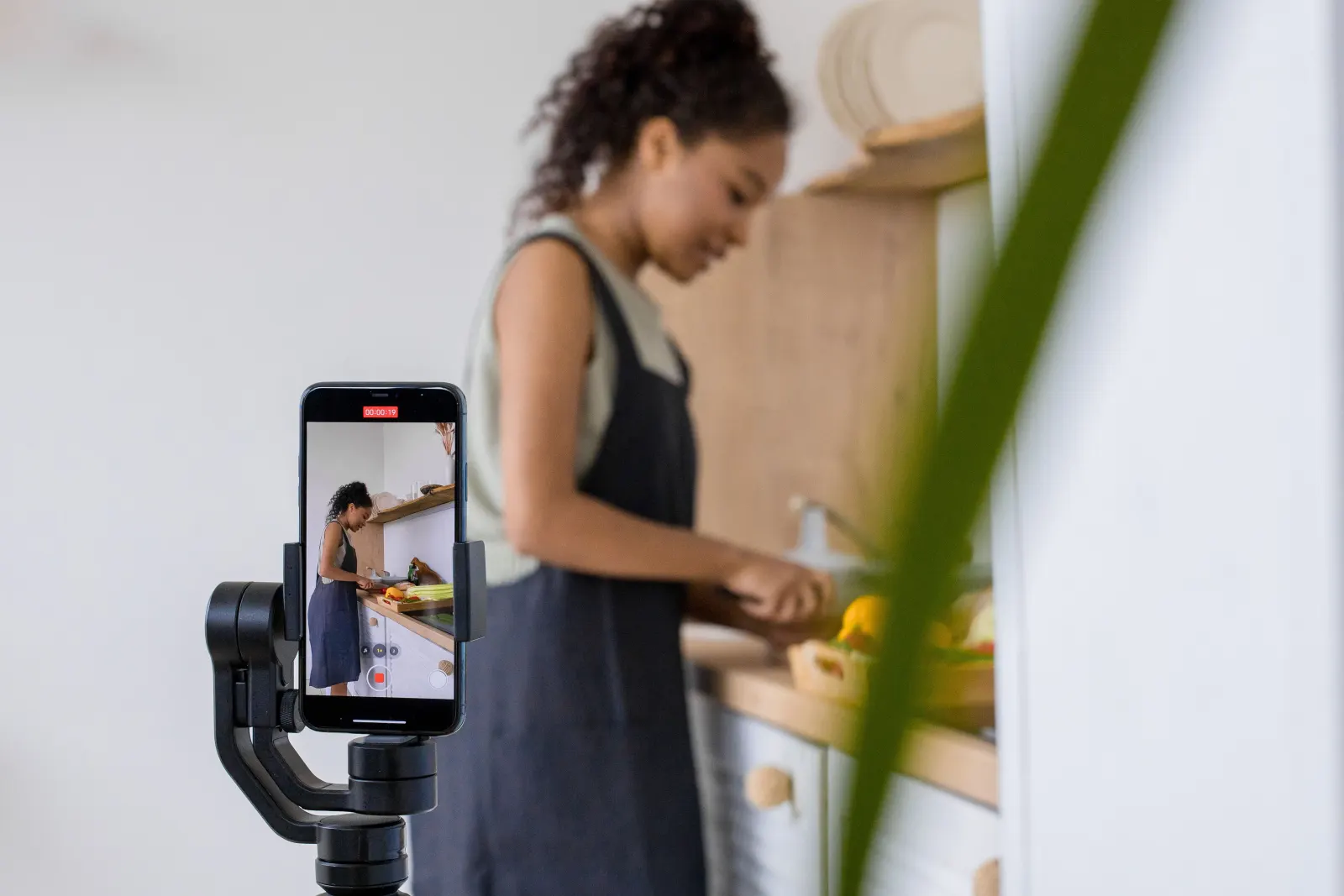
The best Instagram Reels for a small business are short (about 7 to 30 seconds), filmed on a phone, and built on a simple structure: a hook in the first second, the satisfying or useful middle, and a clear ending. Below are 35 Reel ideas a local business can film without talking to camera or dancing, each with a hook, a suggested length and the shots to film.
The structure that works for almost every Reel
Before the ideas, learn this three-part pattern. Every idea below uses it.
- Hook (0 to 2 seconds). Something moving on screen right away, plus a short text overlay that makes people want to see the end. "Watch this cake go from flat to 4 tiers."
- Middle (the value). The process, the reveal, the tips or the transformation. Cut every 1 to 3 seconds so it never feels slow.
- Ending (last 2 seconds). The finished result, then a call to action in text or caption: "Order for Saturday, link in bio."
Film vertically (9:16), in good light, and keep text overlays away from the very top and bottom where the app's buttons sit. Instagram has been raising the maximum Reel length, so check the limit your Reels camera shows, but for local businesses shorter almost always wins.
Process and behind-the-scenes Reels
People love watching things get made. These need no talking.
| # | Idea | Hook (text on screen) | Length | Shots to film |
|---|---|---|---|---|
| 1 | Start to finish | "From raw to ready in 15 seconds" | 10–15s | 5–8 clips of each stage, ending on the result |
| 2 | Opening up | "6am at [business name]" | 10–15s | Keys in door, lights on, setup, first customer |
| 3 | Closing down | "What happens after we close" | 10–15s | Cleaning, prep for tomorrow, lights off |
| 4 | Delivery day | "Our weekly delivery just arrived" | 8–12s | Boxes arriving, unpacking, the best item |
| 5 | Making the best seller | "Our #1 seller, made fresh" | 10–20s | Close-ups of each step |
| 6 | Speed-up of a big job | "4 hours in 20 seconds" | 15–20s | Phone on a tripod, timelapse mode |
| 7 | Test batch | "Testing a new item. Should we keep it?" | 10–15s | Making it, tasting it, a reaction |
| 8 | Tools of the trade | "The 3 tools we cannot work without" | 10–15s | Each tool in use, labeled |
Satisfying and sensory Reels
Short, looping, close-up clips that people watch twice.
| # | Idea | Hook | Length | Shots to film |
|---|---|---|---|---|
| 9 | The pour | "Wait for it" | 5–8s | One slow close-up pour (coffee, syrup, sauce) |
| 10 | The cut | "The first slice" | 5–8s | Knife into cake, bread or pie |
| 11 | The sizzle | "Turn your sound on" | 5–8s | Pan or grill close-up with natural audio |
| 12 | The fold or wrap | "How we wrap every order" | 8–12s | Hands folding, tying, sealing |
| 13 | The reveal | "Before you see it, guess the color" | 7–10s | Covered item, then uncovering |
| 14 | ASMR tidy | "Restocking the shelves" | 10–15s | Lining up products, sound on |
Before-and-after and transformation Reels
Strong for salons, barbers, cleaners, gyms, clinics and anyone who changes how something looks. Always get the customer's permission before filming or posting them.
| # | Idea | Hook | Length | Shots to film |
|---|---|---|---|---|
| 15 | Classic before and after | "Same person, 90 minutes later" | 7–12s | Before, a few process clips, after |
| 16 | Room or space glow-up | "We redid our front window" | 8–12s | Before, work, after |
| 17 | Product restore | "This was ruined. Now look." | 10–15s | Damaged item, repair, result |
| 18 | Plate build | "Building our signature plate" | 8–12s | Empty plate, each layer, final top-down shot |
| 19 | Outfit build | "3 ways to wear one jacket" | 10–15s | Same item, three looks, quick cuts |
Tips and answer Reels
These build trust and get saved. You can use text on screen instead of talking.
| # | Idea | Hook | Length | Shots to film |
|---|---|---|---|---|
| 20 | One quick tip | "Stop doing this with your [product]" | 10–20s | The wrong way, then the right way |
| 21 | Answer a common question | "Do we take walk-ins? Yes, here is how" | 10–15s | Text answer over shots of the space |
| 22 | 3 things to try first | "New here? Order these 3" | 10–15s | One clip per item, numbered |
| 23 | Myth vs fact | "No, you do not need to [myth]" | 10–20s | Text myth, then the fact with a clip |
| 24 | How to choose | "How to pick the right [service]" | 15–25s | Options side by side, labeled |
| 25 | Care instructions | "Make your [haircut, plant, cake] last longer" | 10–20s | Step by step close-ups |
People Reels
Faces build trust. If you or your staff are comfortable, short clips of real people do very well.
| # | Idea | Hook | Length | Shots to film |
|---|---|---|---|---|
| 26 | Meet the team | "The people behind your [order, cut, class]" | 10–15s | 1–2 second clip of each person, name on screen |
| 27 | Staff favorite | "Ask [name] what to order" | 8–12s | Staff points at or holds their pick |
| 28 | A day in the life | "A day as our head baker" | 15–25s | 6–10 short clips through the day |
| 29 | Customer reaction (with permission) | "First bite reaction" | 5–8s | One genuine reaction |
| 30 | Regular of the month | "She has been coming every Friday for 3 years" | 10–15s | The customer, their usual order, a thank you |
Offer, event and local Reels
Use these to drive visits, not just views.
| # | Idea | Hook | Length | Shots to film |
|---|---|---|---|---|
| 31 | New item launch | "New this week, only until Sunday" | 8–12s | Making it, the result, the price on screen |
| 32 | Event teaser | "This Friday at 7" | 8–12s | The space, the setup, what to expect |
| 33 | How to find us | "We are hidden behind the library" | 8–12s | Walk from a landmark to your door |
| 34 | Neighborhood love | "Our favorite spots on [street name]" | 15–20s | Clips of nearby places, ending at yours |
| 35 | Sold-out countdown | "Only 12 left" | 5–8s | The last items on the shelf |
Location-based Reels like 33 and 34 also help local people find you. Put your neighborhood or city name in the caption, not just a hashtag. Our hashtags guide explains why keywords in captions matter more now.
How to film Reels on a phone
- Clean the lens. A fingerprint makes everything look hazy.
- Use daylight. Film near a window or just inside the door. Turn off mixed overhead lights if they look orange.
- Steady the phone. A small tripod or leaning the phone on a shelf is enough.
- Shoot extra. Film 5 to 10 seconds per clip so you have room to trim.
- Film several Reels at once. One 30-minute session can give you clips for 4 to 6 Reels.
More detail in our phone photography tips.
How to edit a Reel in 10 minutes
- Open Instagram, tap the plus button, choose Reel, and select your clips in order.
- Trim each clip to the best 1 to 3 seconds.
- Add your hook as a text overlay on the first clip.
- Add audio: natural sound for sizzles and pours, or a track from Instagram's library. Business accounts may only see sounds cleared for commercial use, which is normal.
- Add a cover image that shows the result clearly, since it appears on your grid.
- Write a caption that names what it is and where. Our caption guide has templates.
- Add your location and up to five hashtags, then share or schedule.
If your account has Trial reels in the share options, you can show a Reel to non-followers first and see how it does before it goes to your followers. It is a handy way to test a new style.
How many Reels to post
Aim for 1 to 3 Reels a week. One a week is a fine start. See how often should a small business post for a full weekly plan, and drop Reels into your content calendar template so they happen on fixed days.
Measure what works
After a week, open each Reel's insights. Look at:
- Reach, especially non-followers: are new people seeing it?
- Average watch time and skip rate, if shown: is your hook holding people?
- Shares and saves: is it worth passing on?
- Profile visits and follows: did it bring people to you?
Do more of the formats that win. Most businesses find two or three types that work, and repeat them with new products.
If filming is easy but editing and posting is not, Scala's Growth and Scale plans make reels from your own videos and photos, and you approve each one before it goes out.
Frequently asked questions
How long should an Instagram Reel be for a small business?
Most local business Reels work best at about 7 to 30 seconds. Short Reels are easier to watch to the end and to rewatch, which helps them reach more people. Use longer Reels only when the content needs it, such as a full tutorial.
Do I need to show my face in Reels?
No. Process clips, before and afters, close-ups of products and text-on-screen tips all work without anyone talking to camera. Faces do build trust, so try a team Reel once you are comfortable.
What should the first second of a Reel show?
Show movement and the most interesting part right away, with a short text hook that makes people want to see the end. Avoid slow intros, logos or blank frames at the start.
Can a business use trending music in Reels?
Business accounts may have a limited sound library made of tracks cleared for commercial use. Use those, original audio, or natural sound from your space, rather than adding copyrighted songs from elsewhere.