Barbershop Instagram marketing: 35 ideas to book more chairs
How to market a barbershop on Instagram: profile setup, a weekly plan, 35 post ideas with captions, and how to fill empty slots.
By James Olawale · · 6 min read
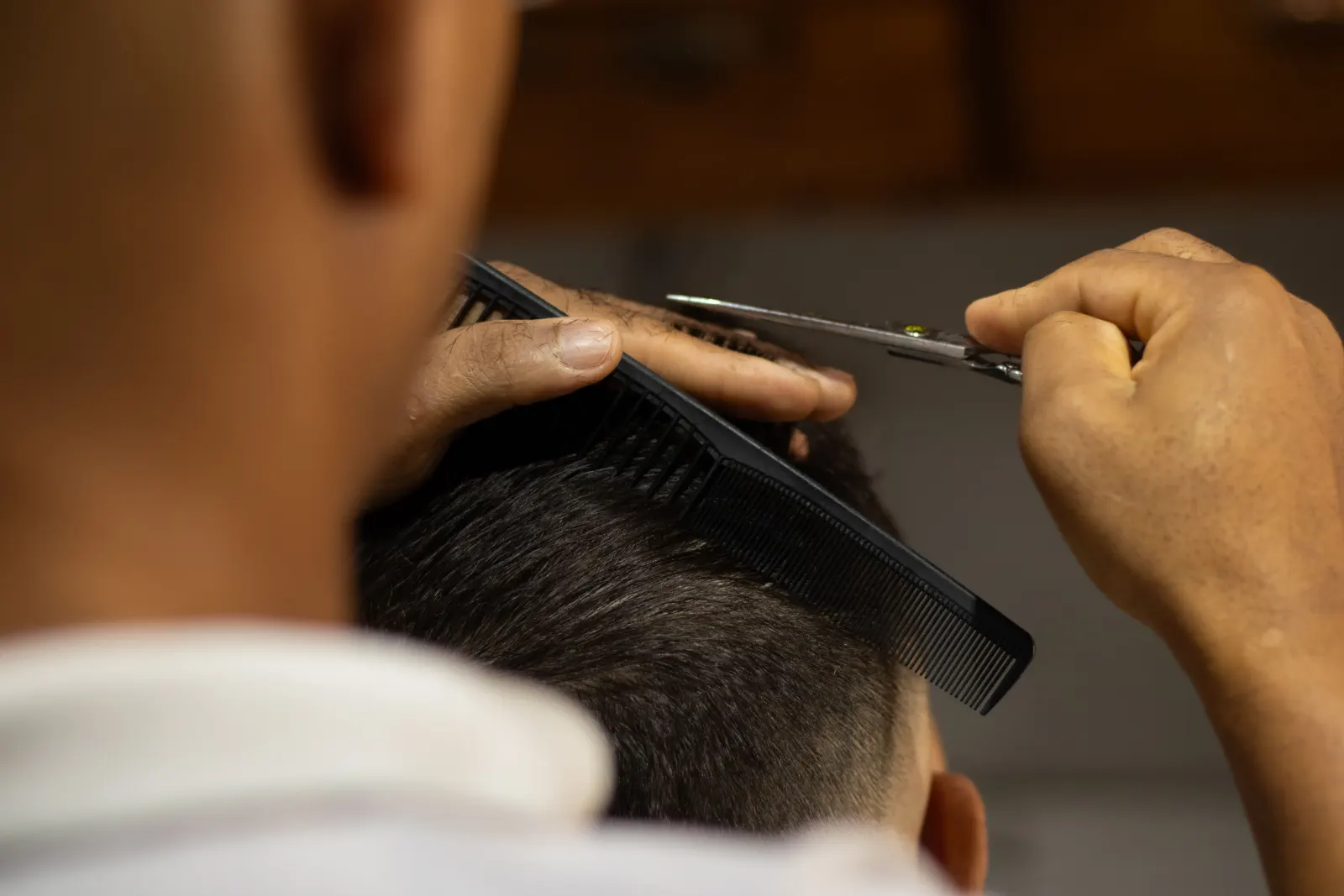
Instagram marketing for a barbershop works when your feed shows your cuts clearly, introduces each barber, and makes booking one tap away. Post 4–5 times a week: two or three cut photos or Reels, one barber or shop-culture post, and one booking post, with Stories showing open chairs on working days. This guide covers profile setup, a weekly plan, 35 post ideas with captions, and how to fill empty slots from Instagram.
Step 1: Set up a profile that books chairs
Your profile is your storefront on Instagram. Most people will look at it once before deciding to book.
- Use a professional account (Business or Creator) so you get Insights and contact buttons.
- Name field with your keyword: "Sharp Lines | Barbershop Oakland." Instagram search reads this field.
- Bio in three lines: what you do best, where, and how to book. "Fades, tapers, beard work. 23rd Ave, Oakland. Walk-ins until 2, book online anytime."
- Booking link in your bio, straight to your booking page. Add a "Book" action button if your booking software supports it.
- Address and hours visible, so people can tap for directions.
- Story Highlights: Cuts, Barbers, Prices, Book, Shop.
- Pin your three best posts to the top of your grid: your signature cut, your barbers, your prices.
Step 2: A weekly posting plan
4–5 feed posts a week keeps your shop visible without eating your evenings. A plan for a fictional shop, Sharp Lines:
| Day | Feed post | Stories |
|---|---|---|
| Monday | Fresh cut photo carousel | Open slots this week |
| Tuesday | (none) | Barber at work |
| Wednesday | Fade Reel, start to finish | Poll: next week's special |
| Thursday | Barber spotlight | Open slots tomorrow |
| Friday | Weekend booking push | Shop vibe, music |
| Saturday | Cut Reel or kids' cut | Last-minute openings |
Want the reasoning behind the pace? See how often a small business should post.
Step 3: 35 barbershop post ideas
Cuts and work (1–12)
Your work is your best ad. Photograph every great cut, and ask the client before you post. Most will say yes; some won't, so respect it.
- Fresh cut, four angles. Front, both sides, back, in a carousel.
- Fade Reel. Start to finish in 15–30 seconds.
- Line-up close-up. Sharp edges sell.
- Beard sculpt. Before and after with the client's permission.
- Kids' first haircut. With a parent's permission.
- Textured crop, taper, buzz. One style per post, named in the caption so people can search it.
- Design work. Parts and patterns.
- Hot towel shave. The ritual, slowed down.
- Curly and coily cuts. Show the range of hair you work with.
- Reference vs result. The photo the client brought next to your cut.
- Fix-it cut. "Came in after a bad cut elsewhere." Keep it classy; no naming other shops.
- Cut of the week. Members of your community vote on their favorite in Stories.
Mid taper, textured top, sharp line-up. Done by Marcus in 45 minutes. Book with Marcus from the link in bio.
Barbers and culture (13–20)
People book barbers, not just shops. Help them pick theirs.
- Meet the barber. Years cutting, specialty, availability.
- Book-me-for post. Each barber's three signature cuts.
- Day in the shop Reel. Opening, music, the first client.
- The shop playlist. Ask clients to add songs.
- Shop rules or etiquette. Fun and clear: late policy, kids, phones.
- Barber competition or education. A class or event.
- Shop history. How it started, old photos.
- Apprentice journey. First cut, first regulars.
Meet Dre. Ten years behind the chair, specializes in skin fades and beard work, and has never missed a Saturday. Dre's chair is open Tuesday and Wednesday. Link in bio.
Booking and offers (21–28)
- Open slots today. A Story with times and a link sticker.
- Cancellation just opened. Post the moment it happens.
- Price list. Clean graphic: cut, beard, kids, combos.
- New client offer. Clear and simple.
- Back to school cuts. Book-ahead posts in August.
- Holiday rush. "Book now for the week before Christmas."
- Prom and wedding grooming. Group bookings.
- Membership or loyalty. Monthly plans or a punch card, explained in one image.
Products and community (29–35)
- Product of the month. Pomade, beard oil, what it's for.
- How to style at home. 20-second Reel.
- Client of the month (with permission).
- Local sponsorship. Youth sports team, community event.
- Free cuts day. For a school drive or charity, if you do one.
- Neighbor businesses. The barbershop's favorite lunch spot.
- Shop anniversary. Throwbacks and thanks.
Need more video formats? See Instagram Reels ideas for small businesses.
Step 4: Photos that make cuts look sharp
- Same spot every time. A plain wall or a branded backdrop, good light, phone at head height.
- Light from the front or side. A ring light or window keeps the fade gradient visible.
- Clean up first. Brush off hair, wipe the neck, adjust the collar.
- Shoot the back of the head at eye level, not from above.
- Film vertical for Reels and Stories, and keep the first second strong (the clipper, the reveal).
Our phone photography tips cover lighting in detail.
Step 5: Captions and hashtags
A barbershop caption formula:
[Cut name in the words clients use]
[Barber, time, any detail]
[Book with them, link in bio]
Name the style clearly: "low taper," "burst fade," "skin fade." People search those words. Use 3–5 hashtags, since Instagram now caps posts at five. Combine your city with the style, like #OaklandBarber or #AtlantaFades. Our guides on writing Instagram captions and hashtags for local businesses go further.
Step 6: Fill empty chairs from Instagram
Most barbershops post their best work and still have gaps on Tuesday afternoons. Close the loop:
- Post open slots in Stories every morning there are gaps, with a link sticker to book.
- Reshare client Stories when they tag you, with a "book your next" sticker.
- Use Instagram Insights to see which posts led to profile visits and link taps. Do more of those.
- Keep your Google Business Profile up to date with recent photos and hours, because "barber near me" searches often go to Google Maps first. Read our Google Business Profile optimization guide.
Getting the posts done
Barbers are on their feet all day, so planning posts at night rarely lasts. Snap every good cut, then batch captions once a week. Or let Scala help: it reads your shop's website, plans a week of posts for Instagram, Facebook and X, and designs them in your shop's look from your photos. On the Growth and Scale plans it also makes Reels from your own clips. You approve every post first. Plans start at $19 a month; see pricing.
Frequently asked questions
What should a barbershop post on Instagram?
Post clear photos and Reels of your cuts, barber introductions, your price list, shop culture and open booking slots. Name each style in the caption so people searching for it can find you.
How often should a barbershop post on Instagram?
Four to five feed posts a week plus Stories on working days works for most shops. Post open slots in Stories whenever you have gaps.
How do barbers get more clients from Instagram?
Put a direct booking link in your bio, post open slots with a link sticker, introduce each barber, and show consistent, well-lit photos of real cuts. Keep your Google Business Profile current, since many clients search there too.
Should I ask clients before posting their haircut?
Yes. Ask before you take the photo and before posting, and get a parent's permission for kids. Tag clients only if they want to be tagged.
What hashtags should a barbershop use?
Use three to five specific tags that combine your city and the style, like #DallasBarber or #ChicagoFades. Instagram limits posts to five hashtags, and local tags reach people who can actually book.