Coffee shop social media marketing: a step-by-step guide
How to market a cafe on Instagram and Facebook: profile setup, a weekly plan, 30 post ideas with captions, and how to turn followers into visits.
By James Olawale · · 6 min read
Social media marketing for a coffee shop comes down to three jobs: get found by people nearby, give regulars a reason to come back, and make your cafe feel like a place, not just a menu. Start with Instagram and Facebook, set up both profiles properly, post 3–5 times a week, and use Stories daily for what's happening right now. This guide walks through setup, a weekly plan, 30 post ideas with captions, and how to measure whether it's working.
Step 1: Pick your platforms
For most cafes, Instagram is the main channel and Facebook is the second. Instagram is where people browse cafes visually; Facebook is where many locals check hours, events and reviews. Because both are run by Meta, you can post once and share to both.
- Instagram: your daily feed, Reels and Stories.
- Facebook Page: hours, events, menu, and the same posts shared from Instagram.
- Google Business Profile: not social media, but it's where most "coffee near me" searches end. Keep hours, photos and menu up to date. Our Google Business Profile setup guide shows how.
- X: optional. Useful for quick updates ("closing early today") if your area uses it.
Not sure about the split? Read Instagram vs Facebook for local businesses.
Step 2: Set up your profiles so they convert
A first-time visitor decides in a few seconds whether to come in. Make your profile answer their questions.
- Switch Instagram to a professional account. In the Instagram app go to your profile, tap the menu, then Settings and activity, then Account type and tools, then Switch to professional account. Pick Business and choose a category like Coffee Shop.
- Name field with your keyword. "Juniper Coffee | Coffee Shop in Tacoma" helps people find you in Instagram search.
- Bio in three lines: what you are, where, and one hook. "Small-batch espresso and fresh pastries. 4th & Main, Tacoma. Open 7–3 daily."
- Address and contact buttons turned on so people can tap for directions.
- One link to a simple page with your menu, hours and ordering.
- Connect Instagram to your Facebook Page so you can cross-post and manage both. Our guide on how to connect Instagram to a Facebook Page has the clicks.
- Story Highlights: Menu, Hours, Events, Merch. These act as a mini website.
Step 3: A weekly posting plan for a cafe
3–5 feed posts a week plus Stories most days is enough for a single-location coffee shop. Here's a sample week for a fictional cafe, Juniper Coffee:
| Day | Feed post | Story |
|---|---|---|
| Monday | New seasonal drink, hero shot | Today's pastries |
| Tuesday | (none) | Poll: iced or hot? |
| Wednesday | Latte art or pour-over Reel | Barista's pick |
| Thursday | Barista spotlight | Weekend event teaser |
| Friday | Weekend reason to visit | Line at the counter, cozy corner |
| Saturday | Customer moment (with permission) | Open mic setup |
| Sunday | (none) | "Last day for the maple latte" |
Keep the same rhythm every week. People start to expect the Wednesday Reel, and you stop having to decide what to post.
30 coffee shop post ideas
Drinks and menu (1–10)
- Seasonal drink launch. Name, flavor, price, how long it's around.
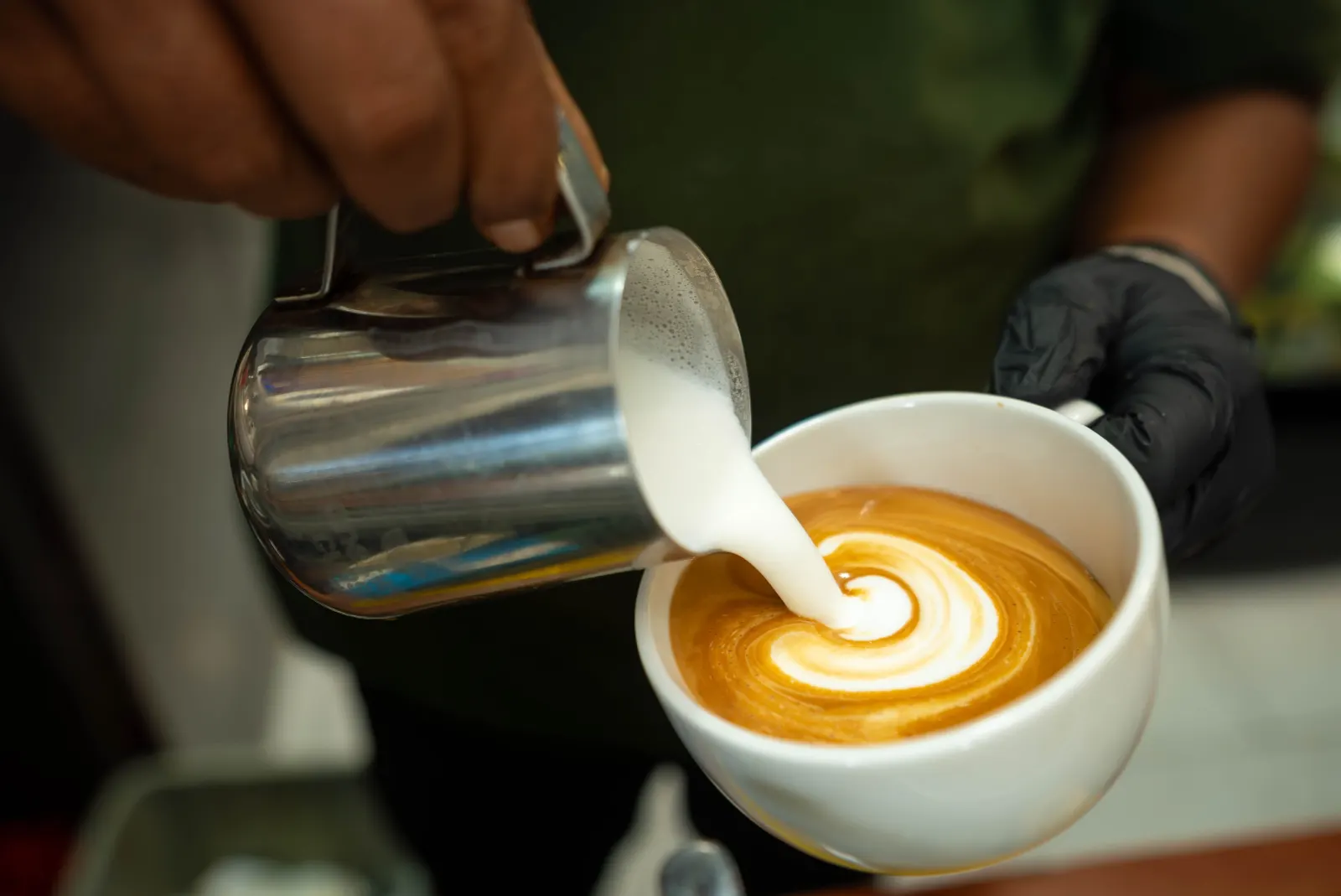
- Latte art Reel. 10 seconds of a rosetta. Simple and reliable.
- Pour-over or espresso process. Grind, bloom, pour.
- Iced vs hot. Same drink, two ways, ask people to vote.
- Non-coffee menu. Tea, chai, matcha, hot chocolate for kids.
- Milk options. Oat, almond, whole. People search for this.
- Pastry pairing. "Our cortado and the almond croissant."
- Bean of the month. Origin, roaster, tasting notes.
- Secret menu item. Make it something baristas actually know.
- Price clarity post. A clean menu carousel saves people asking.
Maple oat latte is back. Real maple syrup, oat milk, a pinch of sea salt. Here through November. Iced or hot, your call.
Behind the counter (11–17)
- Opening routine. Dialing in espresso at 6:30 am.
- Roaster visit or bean delivery. Tag your roaster if they're local.
- Barista spotlight. Their go-to drink and one fun fact.
- Barista tips. "How to make better coffee at home."
- Cleaning the machine. Shows care.
- Recipe testing. New drink in development, poll the name.
- Closing time. Chairs up, last pour.
Meet Theo. Five years on bar, makes the best cortado in the building, and will absolutely talk to you about grind size. Theo's pick this week: the Ethiopian on pour-over.
Space and community (18–24)
- Your best corner. The window seat, the plants, the light.
- Work-friendly post. Wifi, outlets, quiet hours.
- Morning rush Reel. Energy, sound, cups lining up.
- Regulars (with permission). "Linda's order: oat flat white, every day at 8."
- Local art on the walls. Feature the artist.
- Dog-friendly patio. Dogs are a reliable crowd-pleaser.
- Neighbor shout-out. The bookstore or bakery down the street.
Events and offers (25–30)
- Open mic, trivia or book club. Post the date, then a Reel from the night.
- Loyalty program. How it works, in one image.
- Student or early-bird offer. Keep the terms short.
- Holiday gift cards and bags of beans. Late November through December.
- National Coffee Day (September 29). A simple offer or a free size upgrade.
- Anniversary. Thank your regulars and share your first-day photo.
Plan your year with the holiday marketing calendar.
Step 4: Captions, hashtags and timing
A cafe caption should sound like your baristas talk. Keep it short and end with one action.
[What it is, with one sensory word]
[One detail: price, how long it's around, what it pairs with]
[Action: come try it, tag a coffee friend, see you tomorrow]
Use 3–5 hashtags. Instagram now caps posts at five, so make them count: your neighborhood plus coffee, like #TacomaCoffee or #CapitolHillCafe, and one about the drink.
On timing: post feed content when your own followers are active (Instagram Insights shows this), and post your morning Story before you open. Our guide to the best time to post on Instagram for a local business explains how to find your window.
Step 5: Turn followers into visits
Likes are nice. Visits pay rent. Some ways to connect the two:
- Mention the reason to come today. "New pastry this morning" beats "Happy Tuesday."
- Give Stories a call to action. Use the link sticker for ordering, or simply "see you before 3."
- Use a simple code word. "Say 'Juniper' at the counter for a free size up this week." Count how many people say it.
- Collect emails. A QR code at the counter for your list, then send a short monthly email. Our email list guide explains how.
- Ask for Google reviews from happy regulars; it helps you show up in searches nearby.
Step 6: Measure what matters
Once a month, check:
- Profile visits and website or direction taps (Instagram Insights).
- Reach from non-followers on Reels: are new people seeing you?
- Code word redemptions or offer uses at the counter.
- Which posts got saved or shared: make more like those.
Drop what doesn't work after a month and try something else. Don't change everything at once.
Getting help with it
If you're behind the bar all day, writing and designing posts at night gets old fast. Scala reads your cafe's website, plans a week of posts for Instagram, Facebook and X, and designs them in your own look from your photos. You approve each post before it goes out, and it can send emails to your own customer list. Plans start at $19 a month; see pricing or how it works.
Frequently asked questions
What is the best social media platform for a coffee shop?
Instagram is usually the best main platform for a coffee shop, with Facebook as a second channel for hours, events and locals who use it. Keep your Google Business Profile current too, since many people find cafes through Google Maps.
How often should a coffee shop post on social media?
Three to five feed posts a week plus Stories most days is enough for a single-location cafe. Consistent weekly posting matters more than posting a lot in one week.
What should a coffee shop post on Instagram?
Post seasonal drinks, latte art and brewing Reels, barista spotlights, your space, events and clear reasons to visit today. Mix in community posts so the feed isn't only offers.
How do I know if social media is bringing customers into my cafe?
Track profile visits, direction taps and website clicks in Instagram Insights, and use a code word or offer that people mention at the counter. Count redemptions each week to see which posts bring people in.
Should a cafe post on Facebook and Instagram separately?
You can post once on Instagram and share to your connected Facebook Page to save time. Use Facebook's events feature for open mics or workshops, since many locals check events there.